Everyone's saying "deploy an agent." Almost no non-technical founder knows what that means in practice. Here's the plain-language answer with three workflows you could run today.
Someone in a meeting, or on a podcast, or in a newsletter you read, says "you should just deploy an agent for that." They say it like they're suggesting you use a calendar. Like it's obvious.
You nod. You move on. Later you search "what is an AI agent" and get an answer written by AWS.
Here's the actual answer.
You already know what a chatbot is. You've used one. You type something, it answers, the conversation ends. The answer is the output. The interaction is over when the question is resolved.
An AI agent is different in one specific way: it doesn't stop when it has an answer. It uses that answer to take the next step. And the step after that. Until a task is actually done. Something in the world changes. An email gets sent. A record gets updated. A lead gets scored and routed. A draft lands in a folder ready for you to review.
Here's the cleanest way to think about it. Ask yourself: does this task end when someone gets an answer, or when something actually happens? If it ends with an answer, you want a chatbot. If it ends with a change, that's where an agent fits.
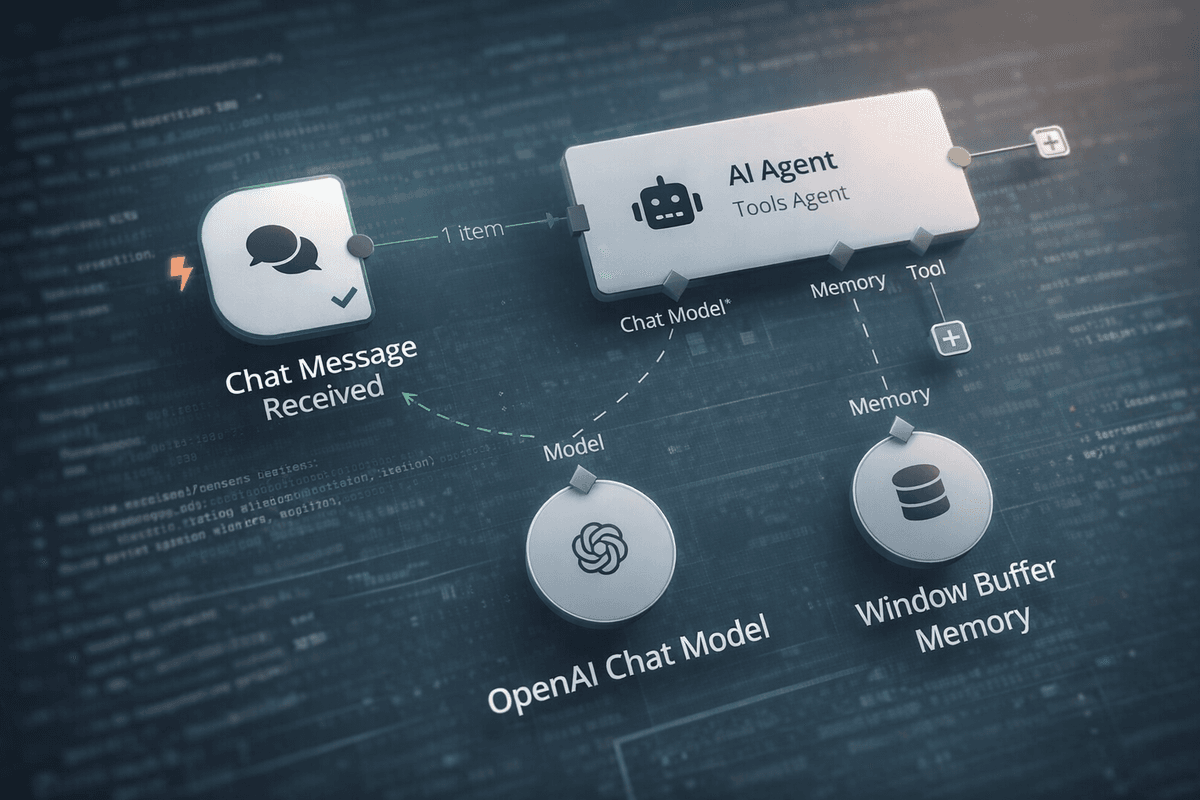
An agent connects to your tools. It watches for a trigger. It makes a judgment call based on what it finds. It completes the workflow. You don't do each step. You set the rules. It runs the process.
What It's Not
It's not a chatbot. ChatGPT is not an AI agent in the way the term is being used right now. It's a conversation. It ends when you close the tab. An agent persists, monitors, and acts without you starting a new chat. You don't type the next prompt. It already knows what to do.
It's not traditional automation. A Zapier rule that fires when a new row appears in a spreadsheet is automation. It follows a fixed instruction. It has no judgment. An agent has judgment. It can read an incoming email and decide whether to respond to it, route it, or flag it for human review, based on what the email actually says. The difference between automation and an agent is whether the system follows a rule or makes a decision.
It's not a system that runs your business unsupervised. Most of what gets called "agent" in marketing is heavily supervised, and that's the right way to run one. The honest version: an agent is a supervised workflow. You define what triggers it, what it's allowed to do, and where it should stop and wait for a human. The best small business implementations have a human checkpoint somewhere in the loop. Think of it as something that handles the first five steps of a ten-step process, every time, without being asked, so that by the time you touch it the work is half done.
Three Workflows Your Business Could Run Today
Gartner projects that 40% of enterprise applications will have AI agents built into them by the end of 2026, up from under 5% in 2025. Forty percent of small businesses are expected to have at least one agent running by year end. That adoption is moving fast, and the tools making it possible are not enterprise tools. They're Make, Zapier, and n8n, no-code platforms most small businesses already have access to.
Here's what it looks like in practice.
Inbound lead processing.
A new contact form submission arrives on your website. Instead of sitting in an inbox until someone gets to it, an agent picks it up immediately. It reads the submission. If it's a B2B inquiry, it looks up the company: size, industry, any public signals about their current priorities. It checks your CRM to see if you've had any contact with this person or their company before. It scores the lead against your criteria: good fit, okay fit, not a fit. It drafts a personalised first response based on what it found. It logs everything in your CRM with the research attached. Then it sends your sales rep a notification with context already in it: here's who this is, here's what they asked, here's the draft reply, here's my read on the fit.
By the time a human touches it, the research is done and the draft is written. The rep makes one decision: send as is, edit and send, or don't bother. Research from Warmly found that sales reps currently spend only 28% of their time actually selling. The other 72% is research, admin, and follow-up. This workflow starts taking that back.
Build it on Make with a connected AI step. No developer required. If you've set up automations before, you can have a working version within a few hours.
Customer support triage.
A new support email arrives. The agent reads it and classifies the issue: common question, technical problem, billing matter, complaint, urgent. For common questions, it checks your knowledge base or FAQ and drafts a response. For anything complex, it flags the email for human review, attaches a priority label, and adds a brief summary so whoever picks it up doesn't have to re-read the whole thread.
Your support person opens their inbox and sees two things: draft replies ready to approve for routine queries, and a short prioritised list of the ones that actually need them. They spend their time on the hard stuff. The common stuff is handled before they open their laptop.
Klarna's AI customer service system handles 2.3 million conversations monthly, equivalent to 700 full-time agents, with customer satisfaction scores matching their human team. That's an enterprise build on enterprise infrastructure. The small business version is a Make workflow, an AI classifier, and your existing FAQ document. Same principle, different scale. Businesses running agent-assisted support are reporting 40 to 60% reductions in staff time spent on routine queries.
Content repurposing pipeline.
You publish a new blog post. The agent reads it, pulls out the three or four strongest claims, and produces: three LinkedIn post variations at different lengths, a short email newsletter summary, and a handful of social captions. It drops everything into a Notion page or Google Drive folder for your review.
You open the folder. You read through the drafts. You pick the ones that are close, edit them for your voice, and schedule them. Total time: fifteen minutes, maybe twenty. Without the agent, you'd sit down to write the LinkedIn posts, stare at a blank screen, write one, feel okay about it, run out of time, and not do the others. The content pipeline that should support every piece you publish actually runs.
None of these drafts will sound exactly like you out of the box. That's not the point. The point is you're editing and choosing, not starting from nothing. The blank page problem is gone.
What Setting One Up Actually Means
When someone says "just deploy an agent for that," here is what they mean in practice.
Pick one workflow in your business with three things: a clear trigger (something happens), a series of steps (things that need to be done in order), and a clear outcome (something is finished). Connect the tools involved. Add an AI step wherever a judgment call needs to be made. Set it running. Test it on five real examples. Fix what's wrong. Run it for a month.
That's the process. The tools are Make, Zapier, and n8n. All three have template libraries. None require code to get started. The complexity you read about online is real, but it is not where you start. You start with one workflow. You learn what it can and can't do. Then you build the next one.
The phrase "AI agent" makes this sound like a technology project. It's not. It's a process decision. You're deciding that one specific workflow in your business should run itself rather than wait for you to manually complete each step.
Most founders who ask this question are not confused about the technology. They're confused about what it looks like when it's running. What does it do on a Tuesday? What happens when something goes wrong? Who checks it?
Here's what it does on a Tuesday: it runs the workflows you assigned to it. When something goes wrong, it stops at whatever human checkpoint you built in and waits. You check it by looking at the outputs, the same way you'd look at any work your team produces.
It is not a project. It is a workflow that runs itself so you don't have to do the same five steps every time the same trigger fires.
Pick the workflow you're tired of. Start there.
If you want to find the tools that make this possible, our tools list has agent and automation tools organised by use case. For workflow templates by business type, start with blueprints.
Want to Read More
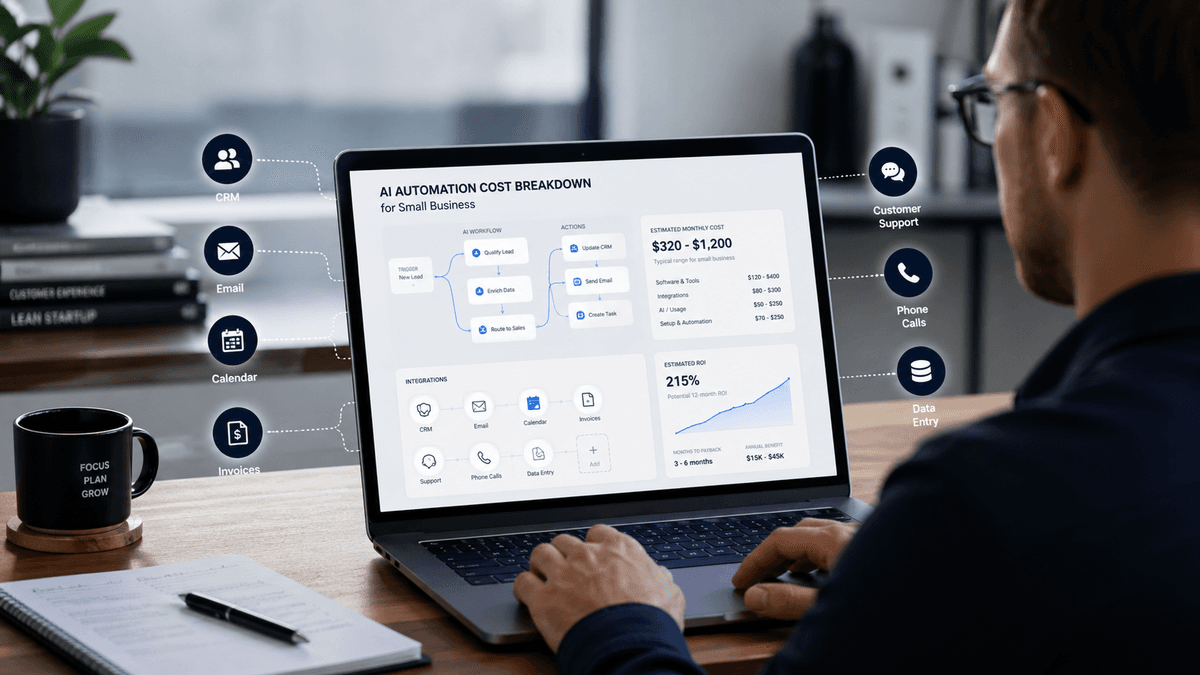
What Drives the Cost of AI Automation for a Small Business?
AI automation pricing can look random until you understand what actually drives the quote. This guide breaks down the main cost factors, typical AUD price ranges, hidden costs, and when a small business should use a tool versus hiring a provider.